Start with head-and-shoulders framing
Keep the face large enough to recognize and leave breathing room above the hair and beside the shoulders. Extremely tight crops can lose hair or accessories when the destination applies a circular mask.
Create an illustrated identity for a social, gaming, community, or creator profile with an anime PFP maker that starts from your own photo. Upload a clear portrait, keep the Anime preset selected, generate on this page, and download the result without first moving to a separate editor.
The source image guides the face, hairstyle, expression, pose, clothing, and framing, while the AI redraws those visible features with clean line work and anime-oriented shading. Generation is interpretive, so the result can feel connected to the portrait without preserving every detail. This tool makes a single image; it does not build a full character sheet or promise exact identity matching.
You can try the anime PFP maker within the usage limits currently shown by the service. This is not a promise of unlimited generation.
Anime PFP Maker
Drop your photo here or click to browse
JPG, PNG or WebP — max 10 MB
Your anime artwork will appear here

Anime PFP maker sample direction. Your profile image will be generated from your own upload.
Style preview
A useful profile picture needs a face that remains readable at small sizes, a clean silhouette, and enough contrast to survive a circular or square crop. The Anime preset emphasizes expressive illustrated features, crisp edges, controlled color, and a polished character-focused finish.
The sample demonstrates the preset direction, not a guaranteed transformation. Source lighting, camera angle, crop, background, and generation settings all influence the result. The page does not automatically crop to every network's exact dimensions, so check the final placement before uploading it elsewhere.
Three simple steps
The complete photo-to-profile workflow stays on one page, from upload and style selection through result review and download.
Upload a JPEG, PNG, or WebP image with the face in focus and enough space around the hair and shoulders. A head-and-shoulders photo usually remains more legible than a distant full-body shot after a profile service crops it.
This page opens with Anime ready. Confirm the thumbnail, choose an available resolution, and select JPEG, PNG, or WebP output. You can see other supported presets, but Anime provides the clearest match for the target profile-picture intent.
Review eyes, hair, glasses, accessories, hands, and the edge of the silhouette. Download a suitable result, then preview it in the circular or square crop used by your destination. Regenerate from a cleaner source if the face becomes unclear.
Pick the right finish
Both workflows can redraw a portrait in an anime direction, but the composition differs. A broad converter also welcomes pets, scenery, groups, and objects. An anime PFP maker centers one profile image: recognizable face, close framing, uncluttered background, and readability beside a small username.
Use this page when the destination is Discord, Twitch, TikTok, YouTube, a forum, a game community, or another personal profile. Use the main photo to anime converter when the whole scene matters, you want to compare several styles, or the source is not primarily a portrait.
The output is not an identity document, rigged avatar, live VTuber model, or multi-angle character sheet. It is a generated still image. Check the destination's crop, file-size limit, and community standards before uploading it.
Profile images are often shown as tiny circles or squares. These source choices help the illustrated face remain clear without claiming that the model will preserve every feature.
Keep the face large enough to recognize and leave breathing room above the hair and beside the shoulders. Extremely tight crops can lose hair or accessories when the destination applies a circular mask.
Balanced light makes eyes, brows, glasses, and facial structure easier to read. Strong backlight or deep shadow can hide information that the anime PFP maker needs to build a coherent portrait.
A plain wall, sky, or softly separated environment keeps attention on the character. Tiny signs, crowds, and overlapping objects may become distracting shapes when the image is reduced to avatar size.
Make glasses, hair color, earrings, facial hair, and clothing edges visible when they matter. The model may still reinterpret them, so compare the generated image with the original rather than assuming exact preservation.
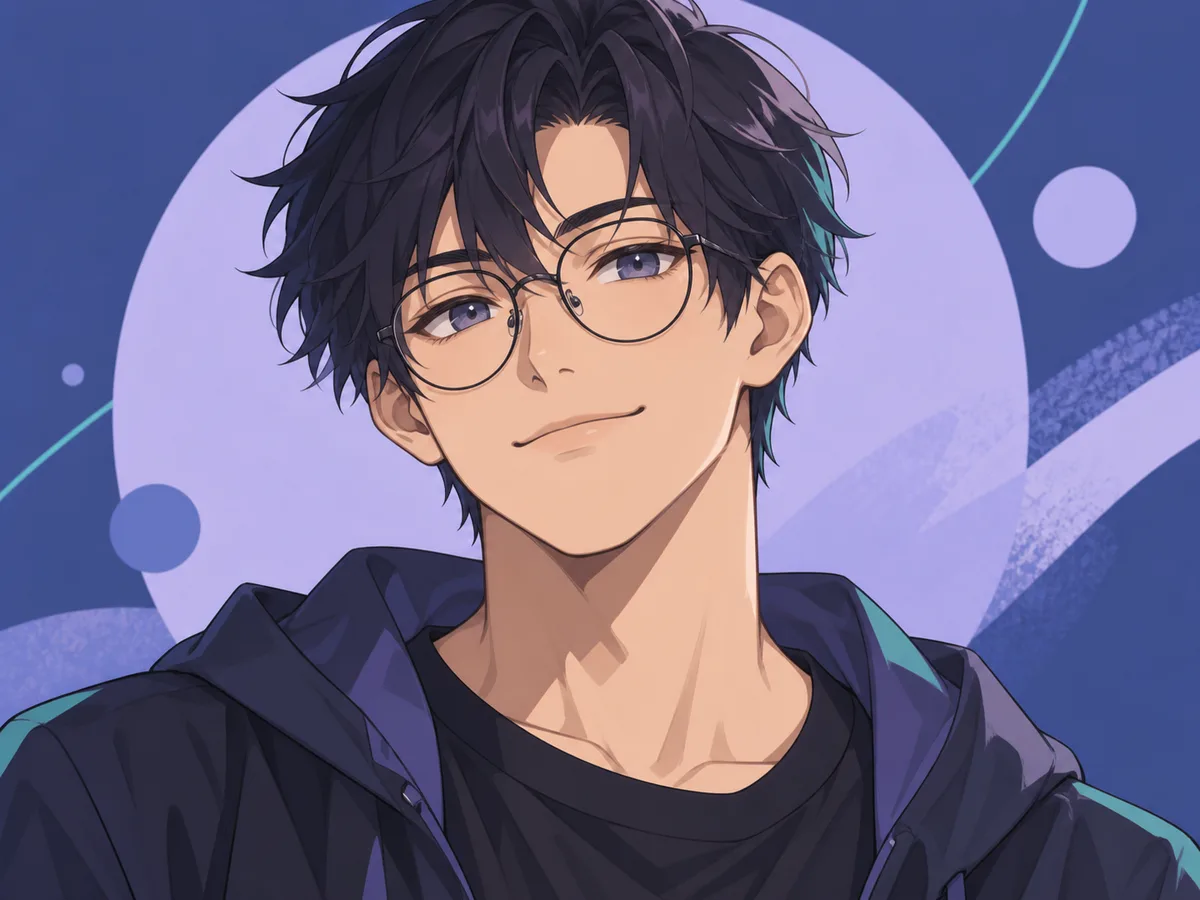
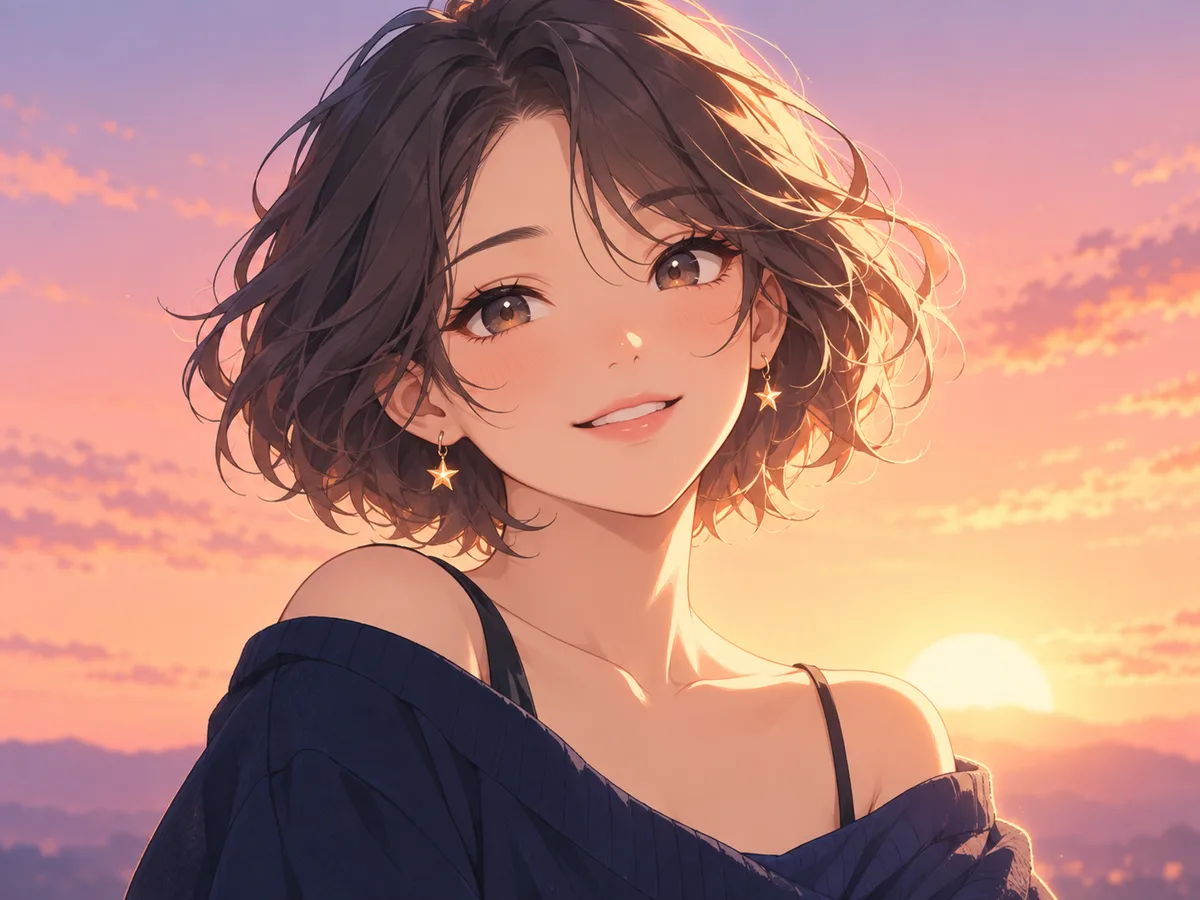
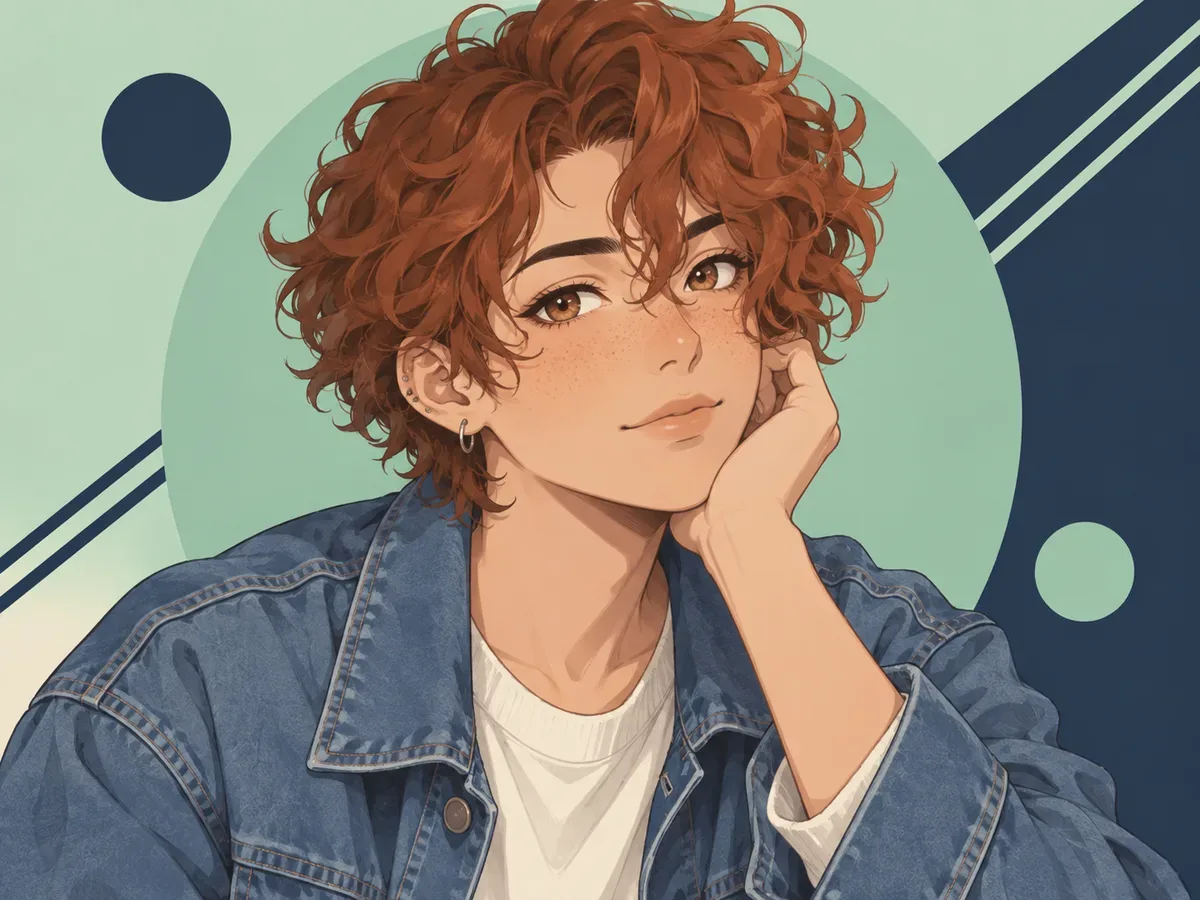
Subject variety
These anime PFP maker portraits show varied faces and profile-friendly backgrounds. They are not identity guarantees.
Creative starting points
Choose a result that fits the destination and represents you appropriately. Keep the original source and generated file so you can revise the crop later.
Use an illustrated close-up where a personal photo feels too formal or exposed. Check community rules and choose a crop that keeps the eyes and silhouette visible beside small chat messages.
A consistent anime portrait can connect channel art, comments, and social profiles. The tool creates one image at a time, so record your chosen source and settings if you plan related visuals later.
Turn a selfie into a stylized alternative for a non-official account. Avoid using generated portraits to misrepresent another person, and do not treat the output as proof of identity.
Helpful details
Yes. You can try generation without buying a plan, subject to the usage limits displayed by the service. Available limits and options can change, and the page does not claim unlimited free images.
Use a sharp head-and-shoulders portrait with visible eyes, even lighting, and room around the hair. A simple background and one main face provide the strongest starting point for a small profile image.
The generator creates an image using the available output settings, but it does not promise every platform's exact crop. Download the result and preview it in the destination's square or circular mask before publishing.
No exact match is guaranteed. Your photo guides visible identity cues, but AI can simplify or change hair, glasses, facial details, clothing, and accessories. Review the result and regenerate if an important feature is wrong.
You can prepare a profile image for those kinds of services, but platform rules and dimensions can change. Confirm the current requirements and make sure you have permission to use the source photo.
The uploader accepts JPEG, PNG, and WebP images up to the displayed limit. Before generating, choose an available resolution and select JPEG, PNG, or WebP for the downloaded output.
Upload a clear portrait, leave Anime selected, and create a result you can inspect at both full size and profile size. The anime PFP maker keeps upload, generation, preview, and download on this page, with no prompt required.
Want to transform a full scene instead? Open the photo to anime converter