Give the scene one clear subject
A person, pet, vehicle, home, or landmark should be easy to identify at a glance. Crowded group shots and distant faces give the Ghibli filter less space to build readable illustrated features.
Give an ordinary photo the gentle color, painted backgrounds, expressive line work, and storybook atmosphere people look for in a Ghibli filter. The working tool appears on this page: upload a portrait, pet, object, or landscape, keep the Ghibli preset selected, and generate a new interpretation without writing a prompt.
This workflow redraws the visible subject and scene instead of placing a fixed color overlay on top. The source photo guides composition, pose, and recognizable details, while the selected direction can simplify shapes, soften lighting, and rebuild textures as illustrated forms. Every result is an original AI interpretation, not a frame from an existing film or a promise to reproduce a studio artist's work.
You can try the Ghibli filter within the usage limits currently displayed by the service. Availability and limits may change.
Ghibli Filter
Drop your photo here or click to browse
JPG, PNG or WebP — max 10 MB
Your anime artwork will appear here

Ghibli filter sample direction. Your generated image will be based on your own upload.
Style preview
The selected preset aims for softly painted skies, natural greens, warm light, and clear illustrated features. It works especially well when a source has a readable subject and a sense of place.
Treat this sample as a visual direction rather than before-and-after proof. Your result depends on the uploaded image, crop, lighting, subject, and settings. The preset does not insert protected characters, movie scenes, or studio logos.
Three simple steps
The upload, style choice, result preview, and download stay together, so the full transformation happens on this page.
Choose a JPEG, PNG, or WebP photo with a visible focal point. Balanced exposure helps the model read faces, fur, buildings, and landscape layers. Leave a little space around important outlines such as hair, ears, hands, or a roofline.
This Ghibli filter page opens with the matching preset ready. Review the style thumbnail, choose an available resolution, and select JPEG, PNG, or WebP output. The other presets remain visible if you want to compare a different finish.
Create the image and inspect the face, silhouette, background, and small objects beside the source. If the subject becomes unclear, retry with a brighter photo, a closer crop, or a simpler scene. Download the version that best fits your intended use.
Pick the right finish
A general anime conversion often concentrates on polished character features, crisp outlines, cel shading, and a contemporary animation-frame finish. A Ghibli filter search usually signals a narrower visual goal: softer paint-like backgrounds, warm environmental light, rounded everyday forms, and a scene that feels calm, lived-in, and connected to nature.
Choose this page for travel memories, family-safe portraits, pet scenes, cottages, streets, gardens, or landscapes where atmosphere matters as much as the main subject. Choose the broader photo to anime converter when you want to compare several visual directions rather than start with this gentle hand-painted preset.
The tool produces a single still image. It does not animate the source, build a film sequence, copy a named character, or guarantee an exact studio look. You remain responsible for checking the source rights and reviewing the generated result before publishing or printing it.
Useful source information gives the model room to reinterpret the image without losing the central idea. These practical checks improve clarity but do not guarantee that every small detail will remain unchanged.
A person, pet, vehicle, home, or landmark should be easy to identify at a glance. Crowded group shots and distant faces give the Ghibli filter less space to build readable illustrated features.
Even light preserves information in faces and scenery. Deep shadow can hide eyes or fur, while clipped highlights can erase clouds, clothing, and architectural edges that help shape the painted result.
Do not crop away every environmental clue. A path, window, garden, room, or skyline can support the storybook atmosphere, provided the background does not compete with the main subject.
Dense text, logos, tangled branches, and overlapping objects may be simplified unpredictably. Choose a cleaner crop and remember that the generated image should not be relied on to preserve readable writing.
Subject variety
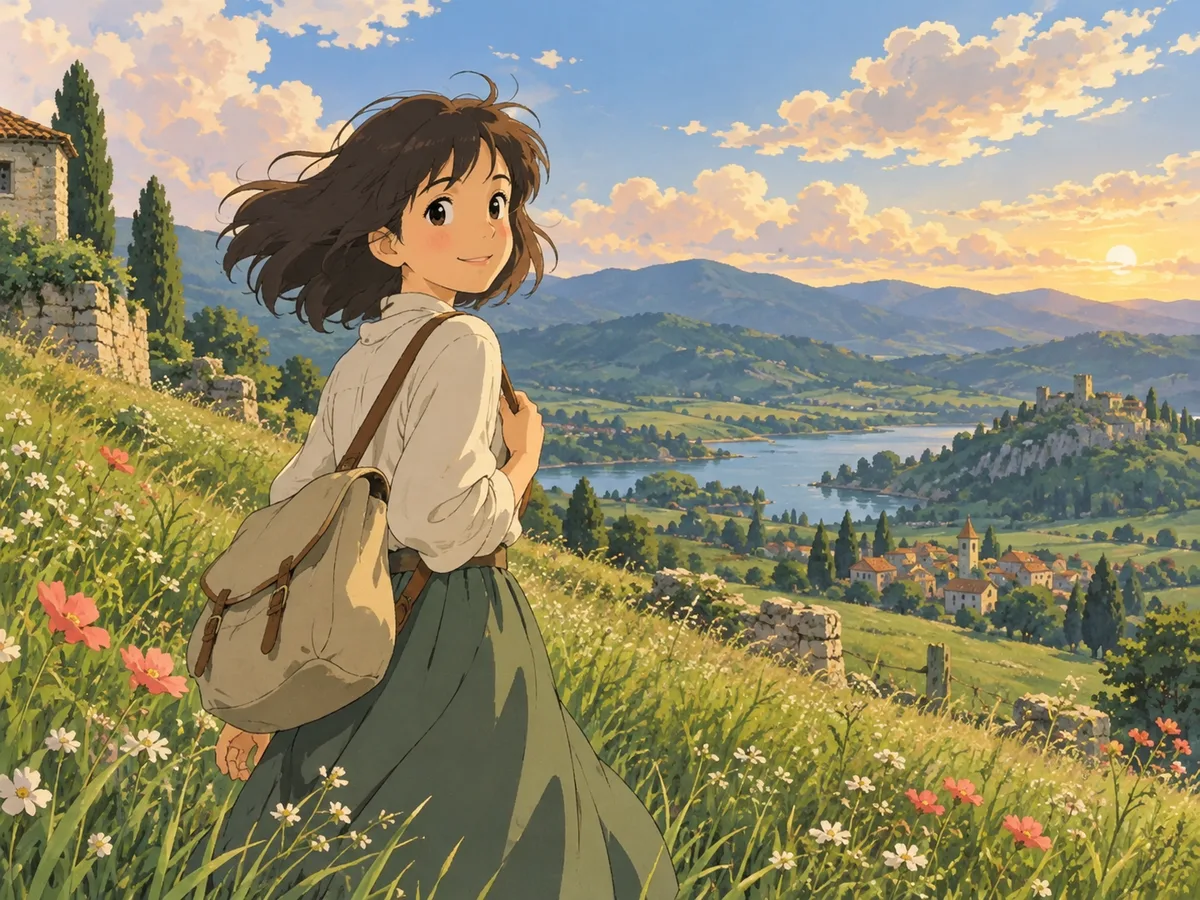
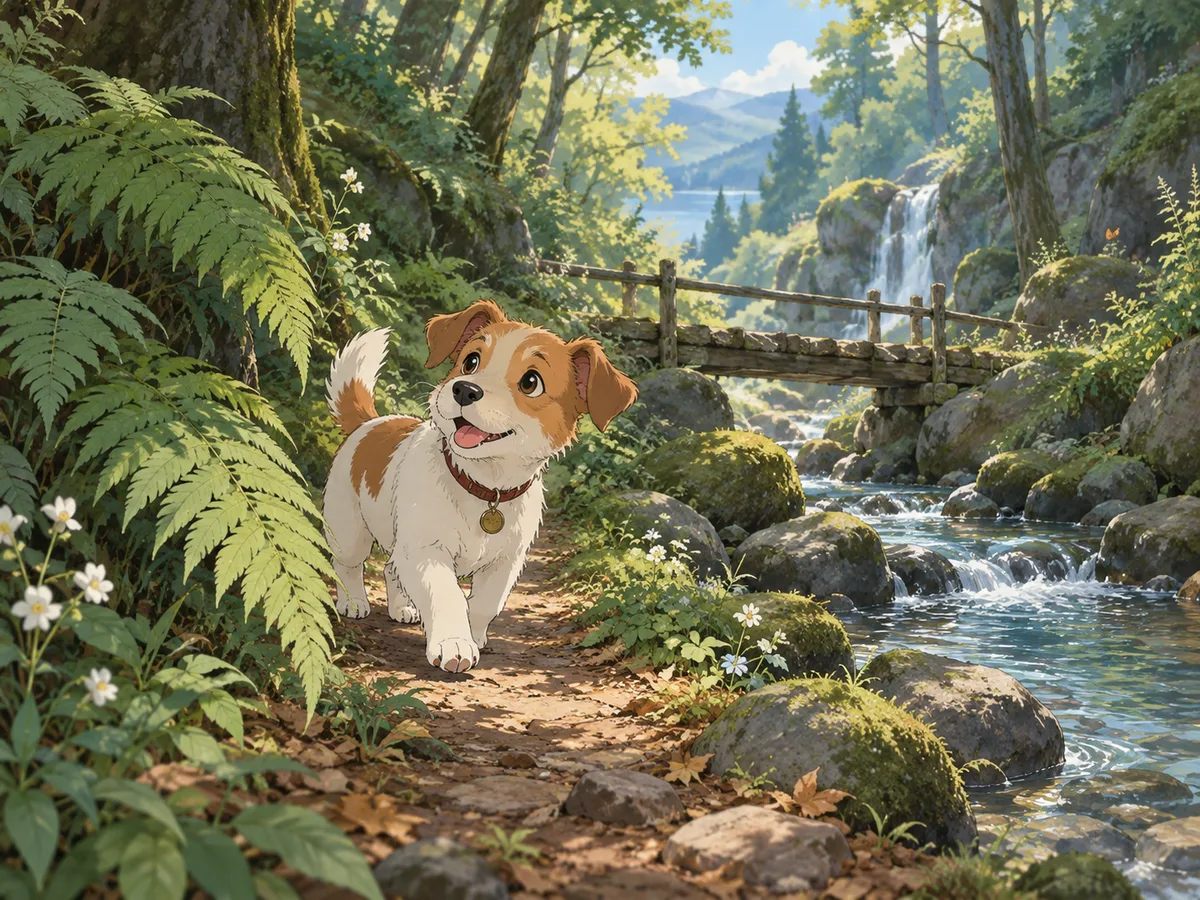
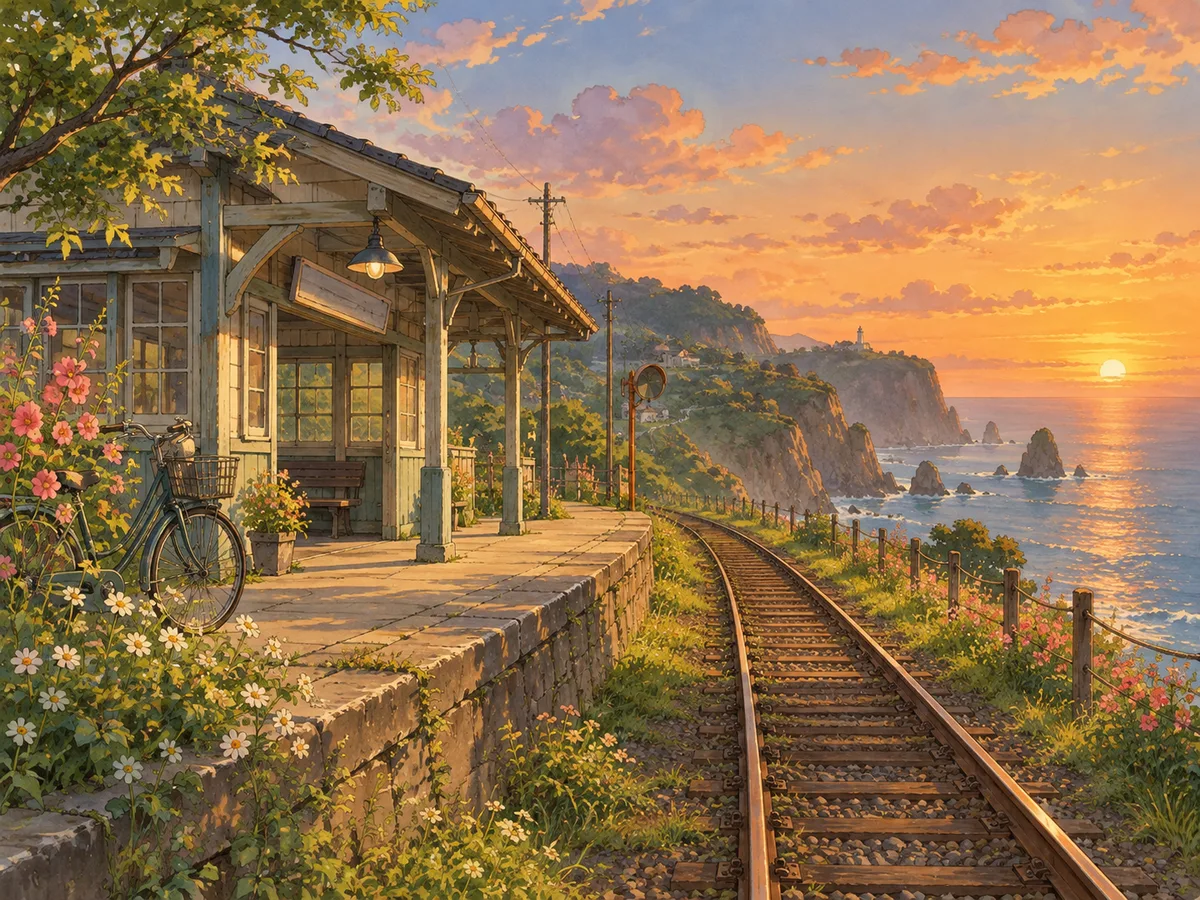
These Ghibli filter illustrations show how portraits, pets, and places can support a warm animated-film mood. They are original examples, not output guarantees or frames from an existing production.
Creative starting points
Use the Ghibli filter output where a gentle illustrated mood suits the message, and confirm that you have permission to use the uploaded source.
Reinterpret a favorite holiday view, everyday walk, or family-safe portrait as a storybook still. Review faces and hands carefully before using the image in a card, album, or personal keepsake.
A pet beside a garden, window, trail, or favorite chair gives the scene a small narrative. Clear markings and visible eyes help the generated interpretation stay connected to the animal.
Use a landscape or portrait result as a visual accent for a personal post or profile where you control the source. Crop only after generation so you can protect the important illustrated subject.
Helpful details
Yes. You can try the Ghibli filter without purchasing a plan, subject to the usage limits shown by the service. This page does not promise unlimited generations, a fixed number of free results, or permanent availability.
Clear portraits, pets, streets, rooms, gardens, and landscapes with one obvious focal point work well as starting material. Balanced light and a clean crop give the model more visible structure to reinterpret.
No. It generates a new image from your upload using a warm hand-painted animated-film direction. It does not retrieve a film frame, add a known character, or guarantee the exact work of a particular artist.
Yes. The converter accepts many kinds of subjects, including animals, buildings, objects, and scenery. Results vary, so inspect important markings, edges, and background details before downloading.
The upload area accepts JPEG, PNG, and WebP images up to the displayed limit. Before generating, choose an available resolution and select JPEG, PNG, or WebP as the output format.
No. AI generation creates a new interpretation. Faces, hands, fur, clothing patterns, signs, and small objects may change or become simplified. Compare the result with the source before you use it.
Upload a clear photo, keep the Ghibli preset selected, and generate a warm illustrated version you can review beside the source. The whole Ghibli filter workflow stays here from upload through download, with no style prompt required.
Want a broader set of animated looks? Try the photo to anime converter