Look for strong silhouettes
A face, person, pet, vehicle, or building should separate cleanly from the background. Overlapping crowds and dark foreground clutter can make a photo to cyberpunk result harder to read.
Rebuild a portrait, pet photo, vehicle, or city scene with neon light, rain-slick reflections, futuristic materials, and dense science-fiction atmosphere. This photo to cyberpunk converter places the working tool first: upload an image, keep the Cyberpunk preset selected, generate on the page, and download the result you prefer.
The workflow is generative rather than a simple color filter. Your source guides the subject, pose, and composition, while the selected direction can reinterpret lighting, clothing, architecture, surfaces, and background depth. Results vary and may change small details. The output is a new still image, not an animation, editable layered design, or guaranteed copy of a particular fictional world.
You can try the photo to cyberpunk tool within the usage limits shown by the service. This page does not promise unrestricted generation.
Photo to Cyberpunk
Drop your photo here or click to browse
JPG, PNG or WebP — max 10 MB
Your anime artwork will appear here

Photo to cyberpunk sample direction. Your generated image will be based on your own upload.
Style preview
Cyberpunk imagery is built from contrast: dark structures against electric cyan, magenta, violet, and amber light. Reflective pavement, haze, backlight, layered streets, and practical techwear can give a familiar source a more cinematic future-city mood.
This sample represents the preset direction rather than a guaranteed result. A bright daytime portrait may be re-lit dramatically, while a night street with existing lamps and reflections already provides useful structure. Inspect the output for changed clothing, signs, architecture, and facial details.
Three simple steps
Everything needed for the conversion remains on this URL, so you can move directly from source upload to result review and download.
Choose a JPEG, PNG, or WebP image with one strong subject or focal area. Portraits need visible facial features; city scenes benefit from clear depth; vehicles and objects should have an uncluttered silhouette.
This page opens with the Cyberpunk preset ready. Review its thumbnail, choose an available resolution, and select JPEG, PNG, or WebP output. Other presets remain visible, but this option provides the intended neon science-fiction treatment.
Compare the new image with the source. Check faces, hands, clothing, pet markings, building edges, and any signs that may have changed. If the result is too busy, retry with a tighter crop or a source with fewer overlapping objects.
Pick the right finish
A standard neon filter mainly shifts color, raises contrast, or adds glow to existing pixels. Photo to cyberpunk generation can redraw the scene itself. It may introduce future-facing materials, atmospheric haze, illuminated architecture, reflective surfaces, or techwear-like details while using your photo as the visual reference.
Choose this page when you want a character portrait, gamer avatar, album-style image, vehicle study, or city scene with a deliberate science-fiction setting. Choose the general photo to anime converter when you prefer softer animation styling or want to compare Manga, Cartoon, Ghibli, and other supported directions.
The converter creates a single flattened image. It does not produce a layered Photoshop file, 3D environment, game asset pack, video sequence, or commercial license. Check rights for the uploaded source and evaluate whether the generated details are suitable for the way you plan to use them.
The preset can rebuild many kinds of photos, but useful lighting and composition give it stronger visual cues. These checks improve the starting point without guaranteeing a particular effect.
A face, person, pet, vehicle, or building should separate cleanly from the background. Overlapping crowds and dark foreground clutter can make a photo to cyberpunk result harder to read.
Street lamps, window light, wet pavement, and reflective glass naturally support neon contrast. Daylight sources still work, but generation may change the mood and environment more aggressively.
Avoid heavy motion blur, tiny distant faces, and deep shadow over the eyes. Futuristic lighting can increase contrast, so the source needs enough facial information to remain readable after reinterpretation.
AI image generation is not reliable for preserving readable text, logos, or exact fabric patterns. Choose sources without important writing and inspect every small detail before using the output.
Subject variety
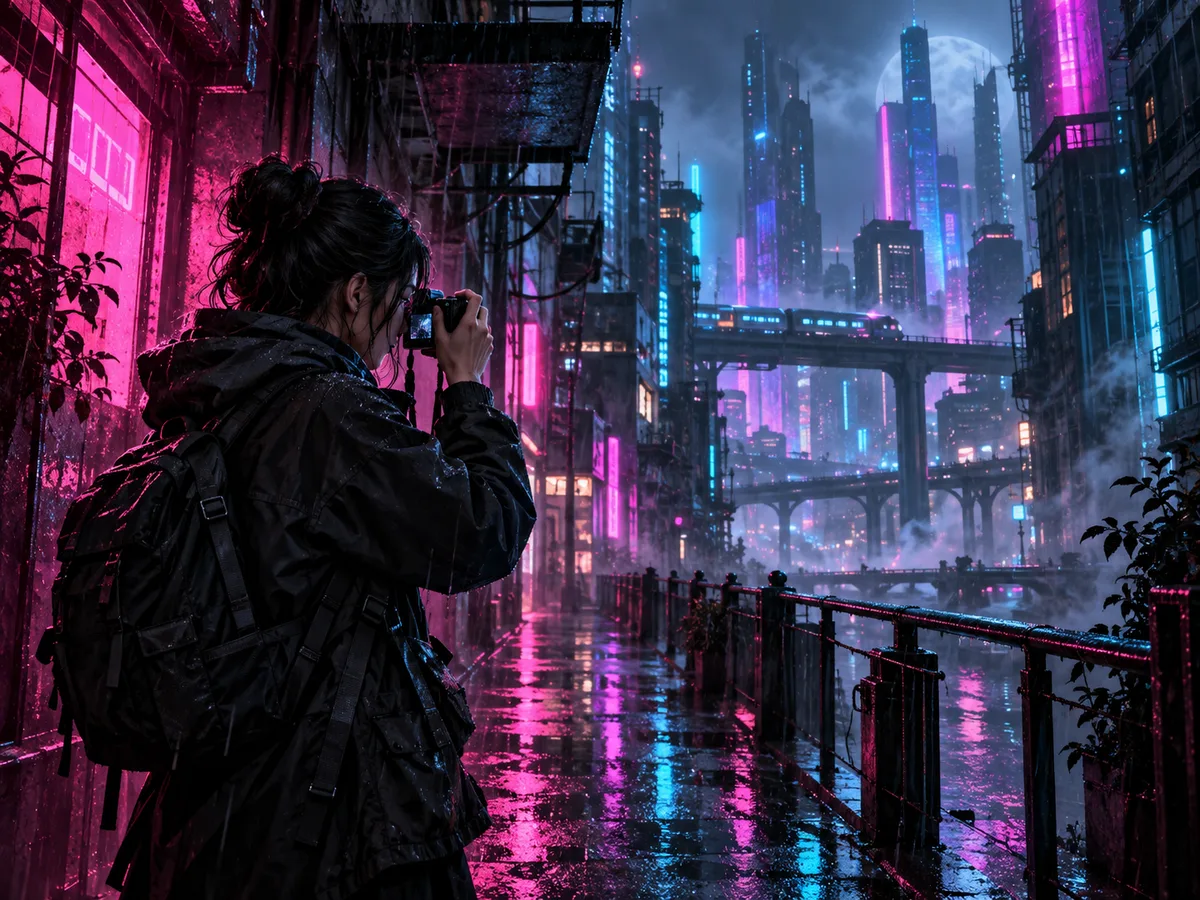
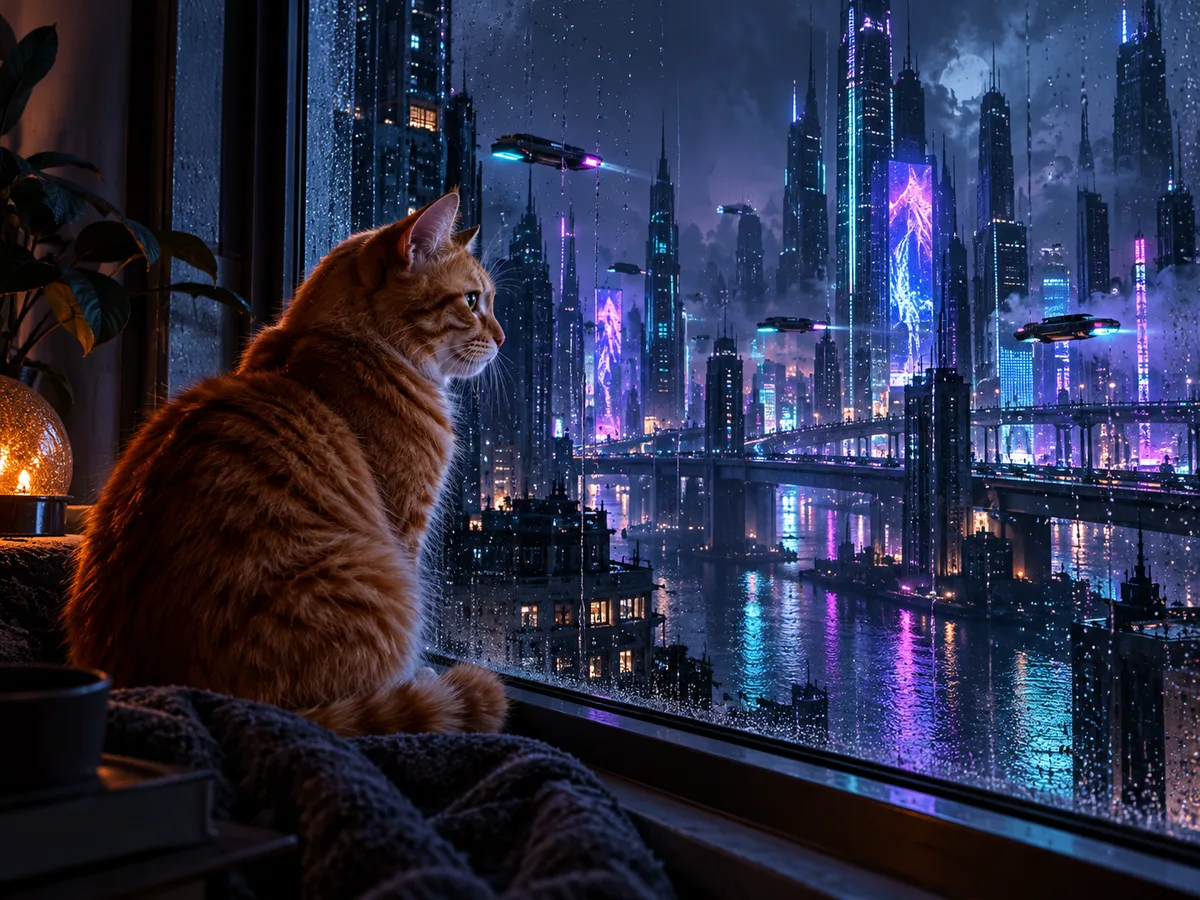
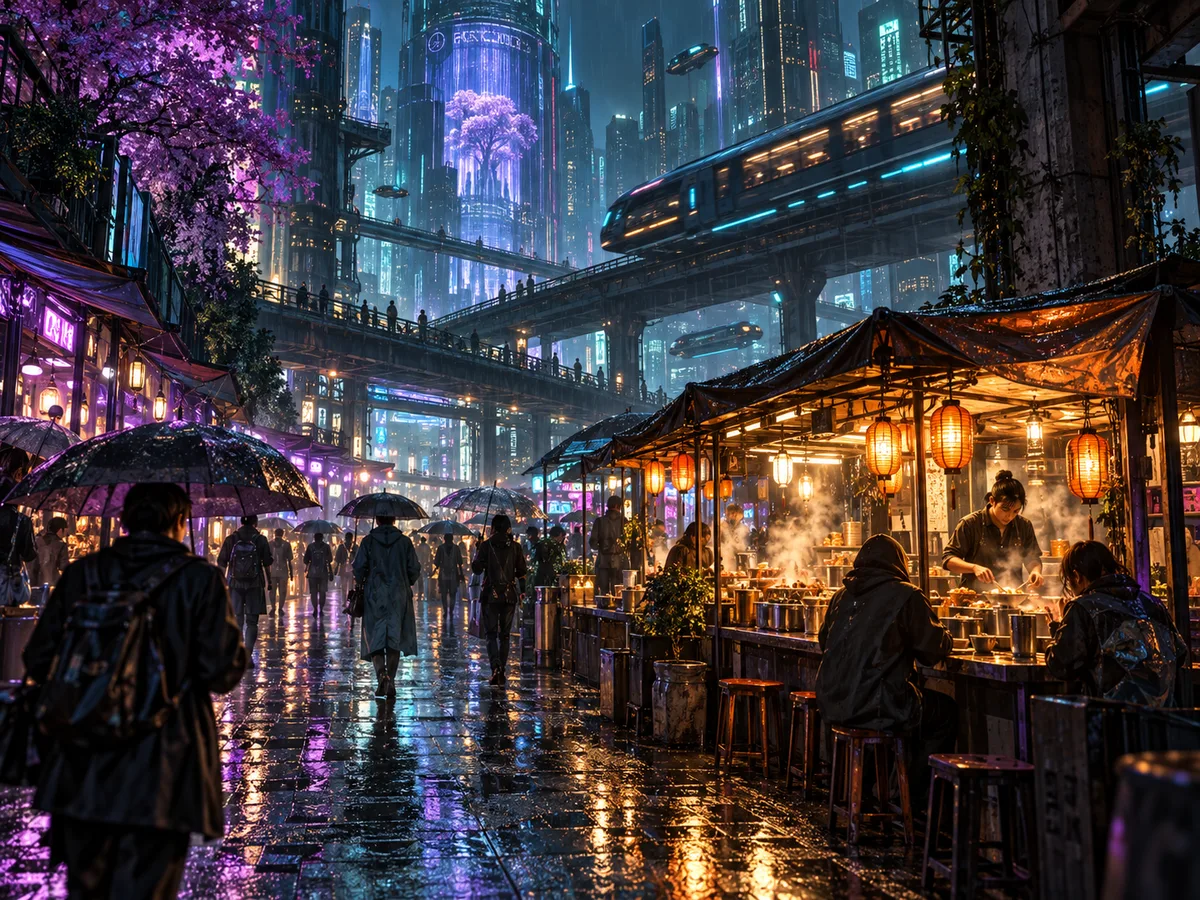
These original editorial examples show people, pets, and environments in one neon future direction. They are not customer results or output guarantees.
Creative starting points
Use the generated image as a reviewed creative asset, not as evidence of a real event or location. Make sure you may use the source.
A close portrait with neon edge light can become a strong profile option. Test it at small size and keep the face distinct from the background before using it in a game or chat community.
City lights, vehicles, and character portraits can support electronic or science-fiction themes. Add any typography later in a proper design tool rather than expecting the generator to preserve readable text.
Explore how chrome, wet roads, window reflections, and artificial light change the mood of a familiar car, motorcycle, station, alley, or skyline.
Helpful details
Yes. You can try it without purchasing a plan, subject to the usage limits displayed by the service. This page does not claim unlimited generation or a fixed number of free downloads.
Clear portraits, vehicles, pets, and city scenes with strong silhouettes work well. Night lighting, reflective glass, wet streets, and visible depth can provide especially useful starting cues.
Yes. A normal filter adjusts existing pixels, while this AI workflow can redraw lighting, materials, clothing, architecture, and atmosphere. That also means small source details may be changed.
Yes. The preset can reinterpret daylight sources, but it may need to change the lighting and environment more strongly to create a neon night mood. Review how faces and background details were transformed.
Do not rely on that. Generated images can distort, replace, or invent small text and symbols. Use a source without important writing and add approved text afterward in a dedicated design tool.
The uploader accepts JPEG, PNG, and WebP images up to the displayed limit. Before generation, choose an available resolution and select JPEG, PNG, or WebP for the output.
Upload a clear image, keep Cyberpunk selected, and generate a new version you can compare with the source. The photo to cyberpunk workflow remains on this page from upload through download, without requiring a style prompt.
Prefer a softer animated finish? Try the photo to anime converter