Use one obvious focal point
Make the subject large enough to recognize quickly. Crowded group shots and distant subjects leave less room for small features.
Turn a real picture into a manga-style illustration without drawing every line by hand. This photo to manga tool puts the working converter first: upload a portrait, pet, object, or scene, keep the Manga preset selected, and generate a new image on the same page.
The Manga preset is designed for crisp ink-like detail, strong contrast, expressive features, hatching, and black-and-white comic texture. A photo to manga result is a new AI interpretation of your source rather than a simple grayscale overlay, so the main subject can stay familiar while the visual language changes.
You can try the converter for free within the usage limits currently shown by the service. No claim of unrestricted generation is made.
Photo to Manga
Drop your photo here or click to browse
JPG, PNG or WebP — max 10 MB
Your anime artwork will appear here

Sample Manga preset direction. Your generated image will be based on your own upload.
Style preview
Manga art communicates form through controlled lines, dark fills, hatching, and open white space. This sample shows the Manga preset direction: facial features become readable ink work, hair becomes deliberate shapes, and tonal marks replace continuous photographic shading.
Use this as a style reference, not a promise. Your output depends on the source, composition, subject, and selected settings.
Three simple steps
The full workflow stays on this page, so you can move from source photo to downloadable result without first visiting a separate editor.
Choose a JPEG, PNG, or WebP image with a clear subject. Keep important facial features or pet markings in frame. For places or objects, make the focal point large enough to remain readable.
This page opens with Manga selected. Review the style thumbnail, choose a resolution, and select JPEG, PNG, or WebP output. Other styles remain available for comparison.
Generate and compare the new line work and simplified tones with the original. If the subject became unclear, retry with a cleaner crop, brighter source, or less crowded background. Download the result in your selected format.
Pick the right finish
The two tasks are related, but they do not always aim for the same finish. A general photo-to-anime conversion often emphasizes color, cel shading, soft lighting, and the polished appearance of an animation frame. Photo to manga conversion places more weight on ink-like outlines, monochrome value structure, hatching, and the graphic clarity associated with printed comic art.
Choose Manga for a black-and-white portrait, illustrated reference, comic-inspired post, or high-contrast scene. Choose Anime when color, atmosphere, and animation-style rendering matter more. This page starts with the manga-focused choice.
Both presets create a single image, not a finished comic or publication layout. Sequencing panels, lettering, rights checks, and print preparation remain separate tasks.
A strong source gives the model clear information to reinterpret. These checks improve readability without promising that every detail will remain unchanged.
Make the subject large enough to recognize quickly. Crowded group shots and distant subjects leave less room for small features.
Harsh shadows hide features. Balanced exposure gives the generated line work more visible structure.
Leave space around hair, ears, hands, or an object silhouette when those details matter.
Dense signs and overlapping shapes compete with the subject. A cleaner background directs contrast toward what matters.
Subject variety
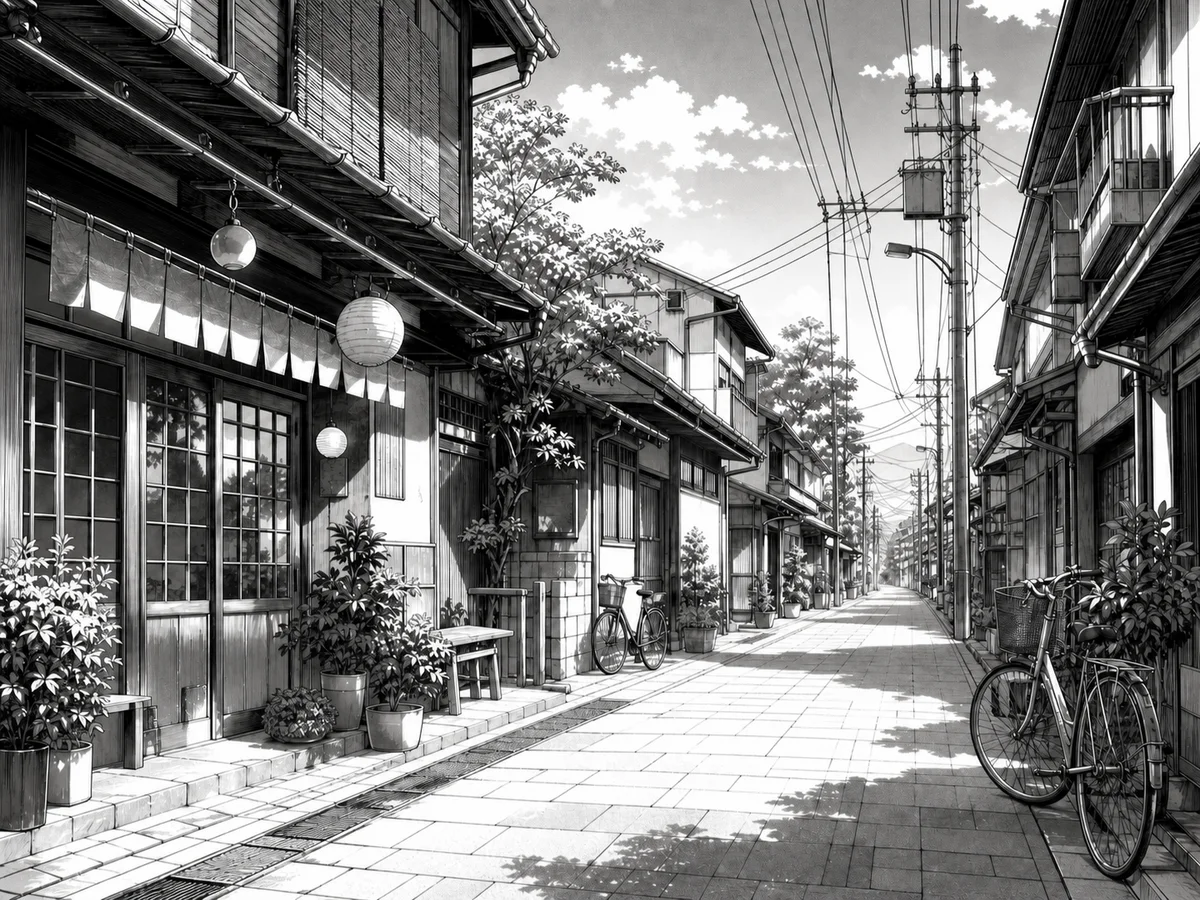
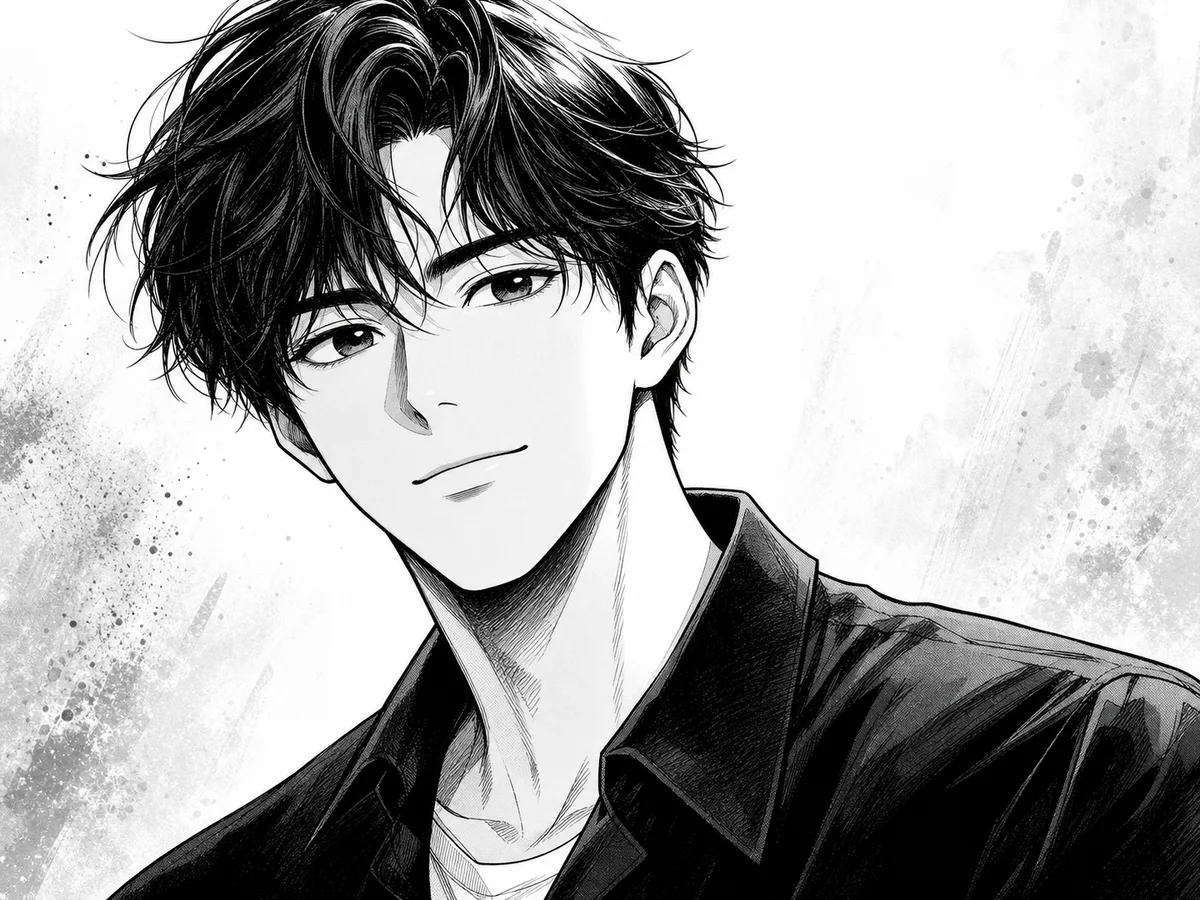
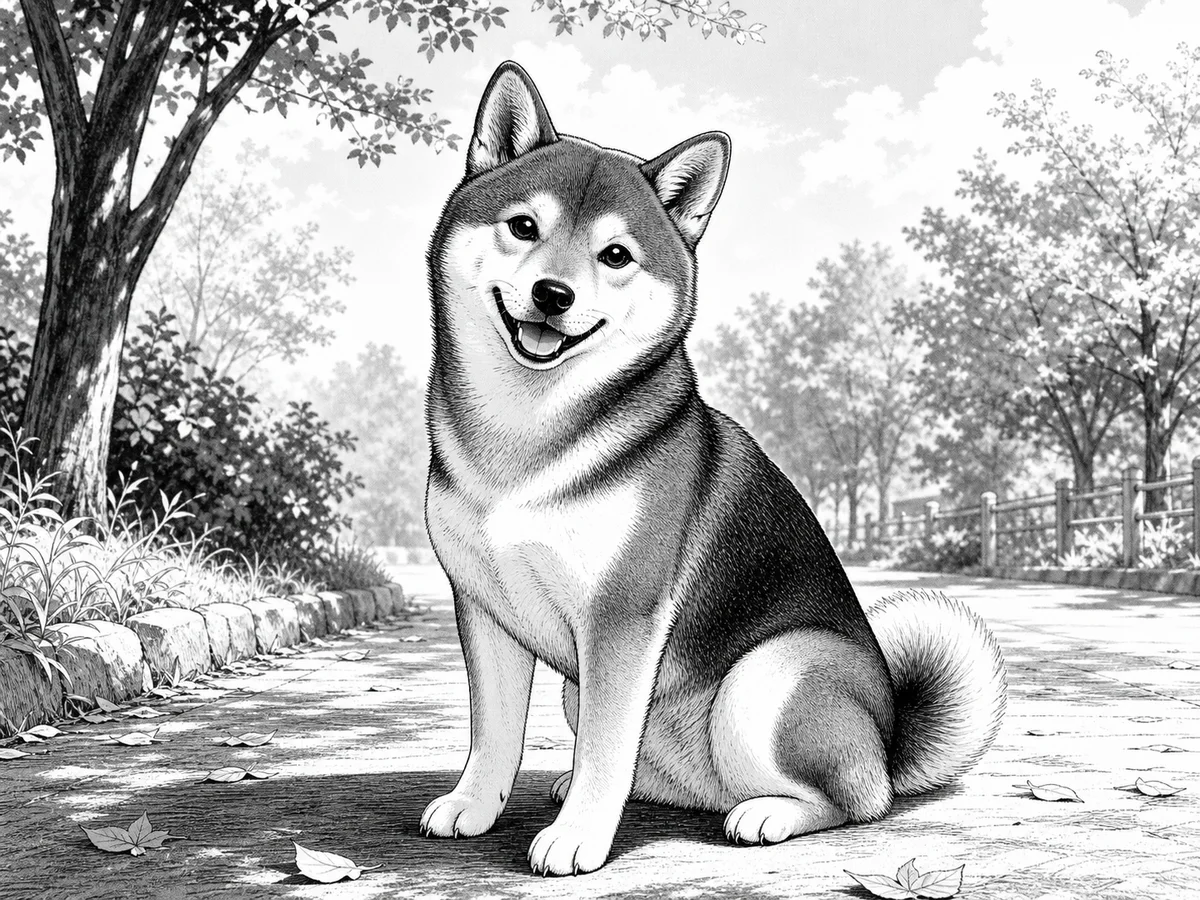
Portraits, pets, and places give the Manga preset different shapes and textures to reinterpret.
Creative starting points
The output works best when a stylized illustration is the goal. Review every result before using it.
Create a manga-inspired portrait for a profile, community post, or personal channel while keeping the source pose as a recognizable reference.
Try photo to manga conversion on a favorite portrait, pet photo, or travel memory, then decide whether the generated image is suitable for a private card or keepsake.
Explore how real clothing, architecture, objects, and lighting translate into simplified lines and tonal masses before developing an original illustration.
Use a high-contrast manga-style image as a visual accent where you have permission to use the source and the generated result fits the surrounding context.
Helpful details
Yes. You can try the converter without purchasing a plan, subject to the usage limits shown by the service. Available options and limits can change as the service evolves.
Clear photos with a visible subject give the model a strong starting point. Even lighting and an uncluttered background help. Keep pet markings visible and give scenes a clear focal point.
You can upload portraits, pets, objects, and scenes. The model uses the visible subject and composition as its reference, then applies the Manga direction. Try a cleaner source image if a busy background or dark exposure makes the result unclear.
No. A basic filter removes color while keeping the original pixels. This tool uses an AI image-editing workflow that redraws the subject in a manga-oriented direction, changing line work, shading, texture, and simplified details.
The upload area accepts JPEG, PNG, and WebP images up to the displayed limit. Before generating, choose an available resolution and select JPEG, PNG, or WebP for the output.
The photo guides the subject, pose, framing, and visible details, but AI generation creates a new interpretation. It may simplify faces, clothing, fur, backgrounds, or small objects. Compare the result with the original before using it.
Upload a clear image, leave Manga selected, and generate a new interpretation you can review beside the source. The photo to manga workflow remains on this page from upload through download, with no need to write a style prompt.
Looking for a broader color style? Use the photo to anime converter